<ai> By TJ Pitre
A2UI: How AI Agents Build Real User Interfaces
What if AI agents could build real interfaces on demand, not code snippets you copy-paste, but actual components from your design system? A2UI makes that possible.
What if AI agents could build real user interfaces? Not mockups, not code snippets, but actual working components from your design system, rendered on demand as part of a conversation.
That’s what A2UI enables. And it’s going to change how we think about building software.
The Problem with AI-Generated UI Today
When AI agents need to show users something more than text, they have three options. None of them are great.
Option 1: Generate code. Claude or GPT writes React, you copy-paste it, maybe it works. But you can’t run arbitrary AI-generated code in production. That’s a security nightmare waiting to happen.
Option 2: Describe what to build. “Create a form with three fields and a submit button.” Great, now you need a developer to implement it. The AI described intent but didn’t deliver anything usable.
Option 3: Use pre-built widgets. But then you’re limited to whatever widgets someone anticipated you’d need. No flexibility. If the agent needs to show something slightly different, it’s stuck.
A2UI solves this by separating what the agent wants to show from how your application renders it.
What A2UI Actually Is
A2UI is a declarative protocol. The AI doesn’t generate code. Instead, it generates a recipe: a structured JSON description of what UI elements should appear, how they’re arranged, and what data they display.
Your application then renders that recipe using your own components. The agent says “I need a Card containing a Text and a Button.” Your app decides what a Card, Text, and Button actually look like based on your design system.
This is secure because it’s just data. The agent can only request components you’ve pre-approved. It can’t inject code, can’t access anything you don’t expose. Think of it like HTML (declarative structure that a browser renders) but for AI-generated interfaces.
Here’s what that looks like in practice:
{
  "beginRendering": { "surfaceId": "@default", "root": "card" }
}
{
  "surfaceUpdate": {
    "surfaceId": "@default",
    "components": [
      { "id": "card", "component": { "Card": { "children": ["title", "btn"] } } },
      { "id": "title", "component": { "Text": { "text": { "literalString": "Hello" } } } },
      { "id": "btn", "component": { "Button": { "child": "btn-text", "action": { "name": "greet" } } } }
    ]
  }
}
The structure is intentionally flat. Components reference each other by ID rather than nesting deeply. This makes it much easier for language models to generate incrementally—and easier for your application to render progressively as tokens stream in.
Why This Matters Now
We’re moving toward a world where AI agents handle more complex tasks. And complex tasks need rich interfaces, not just chat bubbles.
Imagine an enterprise agent that can generate approval workflows, data visualizations, or custom forms based on conversation context. Or a customer service agent that can show product comparisons, booking interfaces, or account management screens without any pre-built templates.
Google released A2UI as an open protocol because they see this future coming. Given the work we’ve been doing in this space, I think they’re right.
“What About Lovable and v0?”
Fair question. Tools like Lovable, v0, and Bolt already generate full applications from natural language. How is A2UI different?
The distinction is important: those are developer tools. They generate actual code (React, Vue, whatever) that a developer reviews and deploys. Great for prototyping, but you’re not running that output directly in production without someone looking at it first.
A2UI is different. It’s a runtime protocol. The AI generates a recipe, your application renders it using your pre-approved components, and real users see the result, all without a developer in the loop.
Lovable, v0, and Bolt generate actual code (React, Vue) for developers to review at build time. A2UI generates declarative JSON for end users at runtime. Those tools require review before deploy; A2UI uses a pre-approved component catalog. Those tools impose their own aesthetic; A2UI renders with your design system.
It’s the difference between “AI helps me build an app” and “AI shows users an interface during a conversation.” Both are valuable. They’re just different layers of the stack.
How the Rendering Flow Works
Here’s what happens when an AI agent uses A2UI:
- Generation: The AI agent generates A2UI JSON based on user intent
- Transport: That JSON travels to your application via API, WebSocket, or whatever transport you’re using
- Processing: Your application parses the JSON and builds a component tree
- Rendering: A renderer maps each abstract component type to your actual components
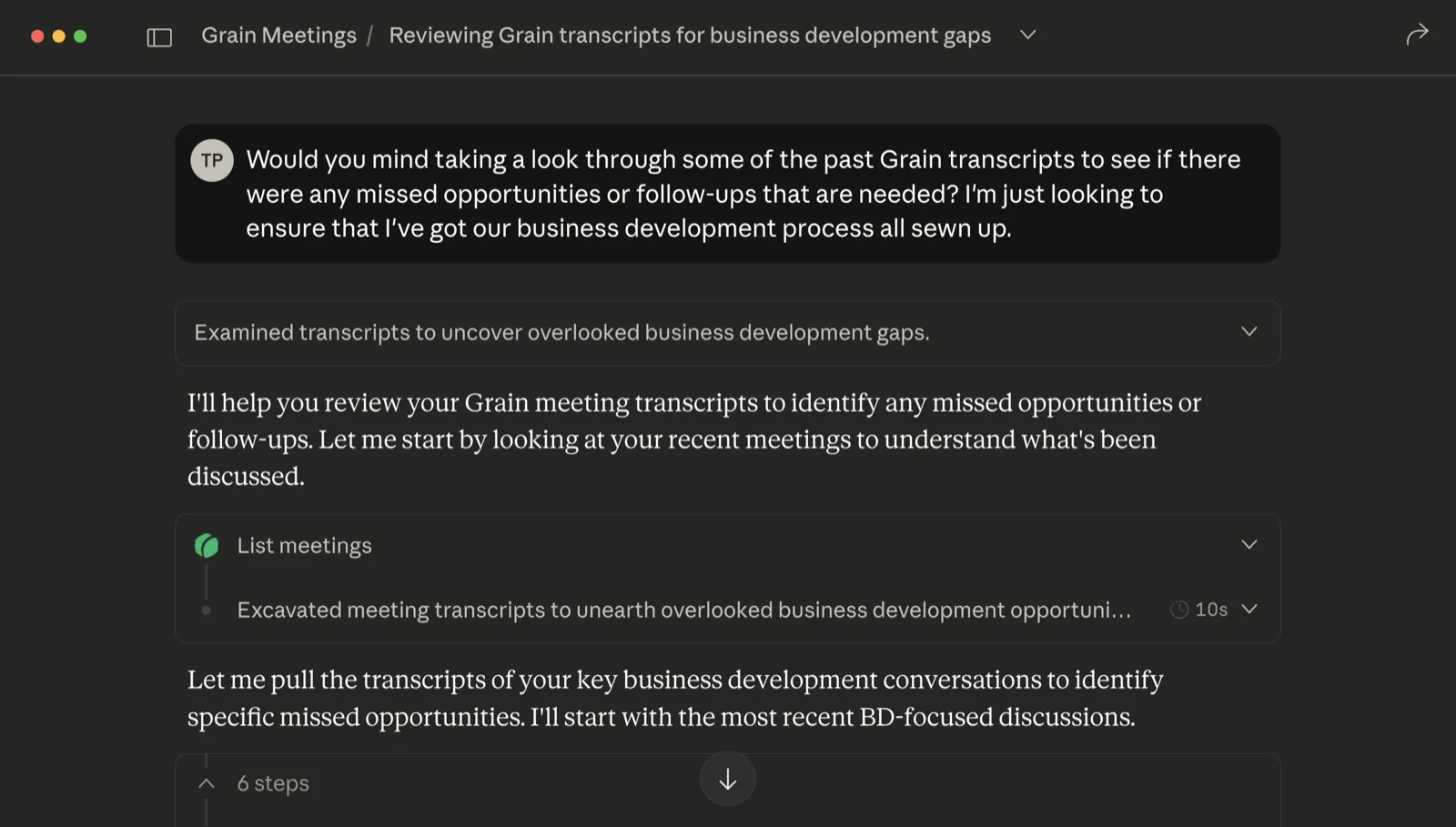
- Interaction: Users see native components, interact with them, and actions fire back to the agent
The user sees native components from your design system. They interact, actions fire back to the agent, and the cycle continues.
Data Binding
Components can bind to a data model. A TextField might bind to form.email. When the user types, that value updates. When the agent sends new data, the UI reflects it.
{
  "TextField": {
    "text": { "path": "form.email" },
    "label": { "literalString": "Email" }
  }
}
Actions
Actions work the other way. When a user clicks a button, an action fires with a name and context. The agent receives this and can respond by updating the UI or triggering a backend process.
{
  "action": {
    "name": "submit-form",
    "context": [
      { "key": "email", "value": { "path": "form.email" } }
    ]
  }
}
This creates a full interaction loop. The agent generates UI, the user interacts, the agent responds. All through declarative data.
The Security Model
This matters for enterprise adoption.
Your application defines a component catalog – the list of component types the agent can request. If the agent asks for something not in your catalog, it’s simply ignored.
All incoming JSON is validated against a schema. Malformed data is rejected.
And because it’s declarative, there’s no code execution. The agent can’t inject scripts, can’t access APIs you don’t expose, can’t do anything outside the bounds you define.
This is what makes A2UI production-ready for enterprise use cases where you’d never consider running AI-generated code.
A2UI Bridge: Our React Implementation
To help teams adopt A2UI, we built A2UI Bridge, an open-source React implementation of the protocol.
It includes:
- @a2ui-bridge/core: Protocol processing, state management, data binding
- @a2ui-bridge/react: React bindings with hooks and the Surface component
- @a2ui-bridge/react-mantine: 77 adapters for Mantine UI components
- @a2ui-bridge/react-shadcn: 76 adapters for ShadCN/Tailwind components
We also built a demo application that lets you type natural language prompts and see A2UI-rendered interfaces appear in real-time. You can switch between Mantine and ShadCN to see the same A2UI JSON rendered with different design systems.
The agent doesn’t know or care which design system you’re using. It describes intent; your adapters handle the implementation.
Getting Started
If you’re interested in adopting A2UI, here’s the path:
Start with the demo. Clone the GitHub repo, add your API key, run it locally. See how the pieces fit together.
git clone https://github.com/southleft/a2ui-bridge.git
cd a2ui-bridge && pnpm install && pnpm build
cd apps/demo && pnpm run dev
Create adapters for your design system. Map A2UI component types to your actual components. We provide examples for Mantine and ShadCN you can reference.
For enterprise deployments, you can add an MCP layer (Model Context Protocol) that gives the AI queryable access to your component catalog. This improves accuracy and enables validation before rendering.
All of this is open source, Apache 2.0 licensed.
The Bigger Picture
A2UI represents a shift in how we think about AI-generated interfaces. Instead of asking AI to write code we can’t trust, we’re asking it to describe intent that we render safely.
If you’re building AI-powered products, this is worth understanding. If you’re maintaining a design system, this is how your components become AI-accessible.
The future of UI is increasingly dynamic: interfaces that appear when needed and dissolve when done. A2UI is infrastructure for that future.
Resources: