<ai> By TJ Pitre
You Can Vibe Almost Anything Now. That’s the Good Part and the Risk.
Vibe coding has made it possible to build almost anything, which also means you should think twice before paying for tools you could build yourself in an afternoon.

There’s a moment we’re living in right now that feels genuinely exciting.
With modern AI tools, you can spin up software that used to require a full team, a budget, and a long-term commitment. Small internal tools. One-off workflows. Single-purpose apps that solve one annoying problem and then quietly do their job.
That’s a real unlock.
It means teams no longer have to rent bloated software for years just to use one feature. It means builders without deep development backgrounds can still create something useful, specific, and theirs. It means experimentation is cheap again.
I’m firmly on that side of this shift. I think it’s one of the best things to happen to software in a long time.
But there’s another side emerging at the same time, and it’s worth talking about calmly and clearly.
When “you can build anything” turns into “everything is for sale”
Recently, I saw a post making the rounds claiming a screenshot could be turned into a “full design system” in seconds using a new AI tool. The post exploded with engagement. Hundreds of comments. Free credits. Big promises.
And here’s the quiet truth underneath the hype.
That capability already exists in the AI tools many people are using today.
This isn’t about whether the tool works. It probably does. It’s about how thin abstractions are being marketed as breakthroughs, and how easily people can be convinced they need to subscribe to something they could reproduce themselves with a bit of curiosity.
That pattern is becoming common.
A demo goes viral. A wrapper is introduced. Access is gated. Language like “world’s first” and “actually understands taste” does the heavy lifting. Suddenly something familiar feels proprietary.
This isn’t malicious in every case. Sometimes it’s just asymmetric knowledge. Sometimes it’s growth marketing doing what growth marketing does. But it’s still worth slowing down and asking better questions.
Convenience is not the same thing as capability
A tool that turns an image into tokens, colors, and component guesses can be useful. But calling that a “full design system” stretches the term beyond recognition.
A real design system includes intent, constraints, accessibility decisions, usage guidance, and rules for evolution. What most of these tools generate is a snapshot, not a system.
Snapshots are cheap now. That’s not an insult. It’s a reality.
When you understand that distinction, you get to decide whether you’re paying for convenience or paying for smoke.
A simple test before you subscribe
Here’s a test I recommend before signing up for any new AI-powered builder tool.
Ask yourself:
Could I recreate most of this with an AI IDE, a decent prompt, and an afternoon of focused work?”
If the answer is yes, pause.
That doesn’t mean the tool is bad. It means you should be making a conscious tradeoff. You’re buying speed or packaging, not access to something magical.
And sometimes that tradeoff is worth it. The key is knowing which decision you’re making.
Why building it yourself is often the better move
For internal tools, experiments, and small-scope software, ownership matters more than polish.
If something breaks, it affects a handful of people, not millions. If requirements change, you can adapt without waiting on a roadmap. If the tool only needs to live for six months, that’s fine.
You also learn more than you think you will. Even if the result is imperfect, you come away understanding how these systems actually work, which makes every future decision sharper.
That learning compounds. Subscriptions don’t.
The tools that make this possible today
Here are a few categories of tools we regularly use to build real, production-quality software quickly without turning thin abstractions into paid products.
- **AI IDEs (Cursor, Gemini CLI, Claude Code, etc.)
**These are where most of the real work happens. They let you scaffold applications, reason through architecture, refactor code, and iterate quickly. With a clear prompt and a bit of intent, you can go from idea to working software without starting from scratch every time. - **Agent frameworks and sub-agents (Agent OS and similar setups)
**Agents handle repeatable thinking. Planning, breaking work into steps, reviewing output, and catching obvious issues. Instead of prompting the same mental checklist over and over, we install agents that carry that context forward across tasks. - **Specification and scaffolding tools (GitHub Spec Kit, slash commands, AgentKit)
**These turn intent into structure. You describe what you want to build, and they generate a sensible starting point including folders, files, and conventions. This is especially useful for one-shot tools where you don’t want to over-engineer the setup. - **Browser and automation MCPs (Playwright MCP, Chrome DevTools MCP)
**These remove a ton of manual work. Testing flows, inspecting DOM output, validating interactions, and debugging real browser behavior without leaving your environment. They make AI-assisted development far more trustworthy. - **Reasoning and planning MCPs (Sequential Thinking, Serena)
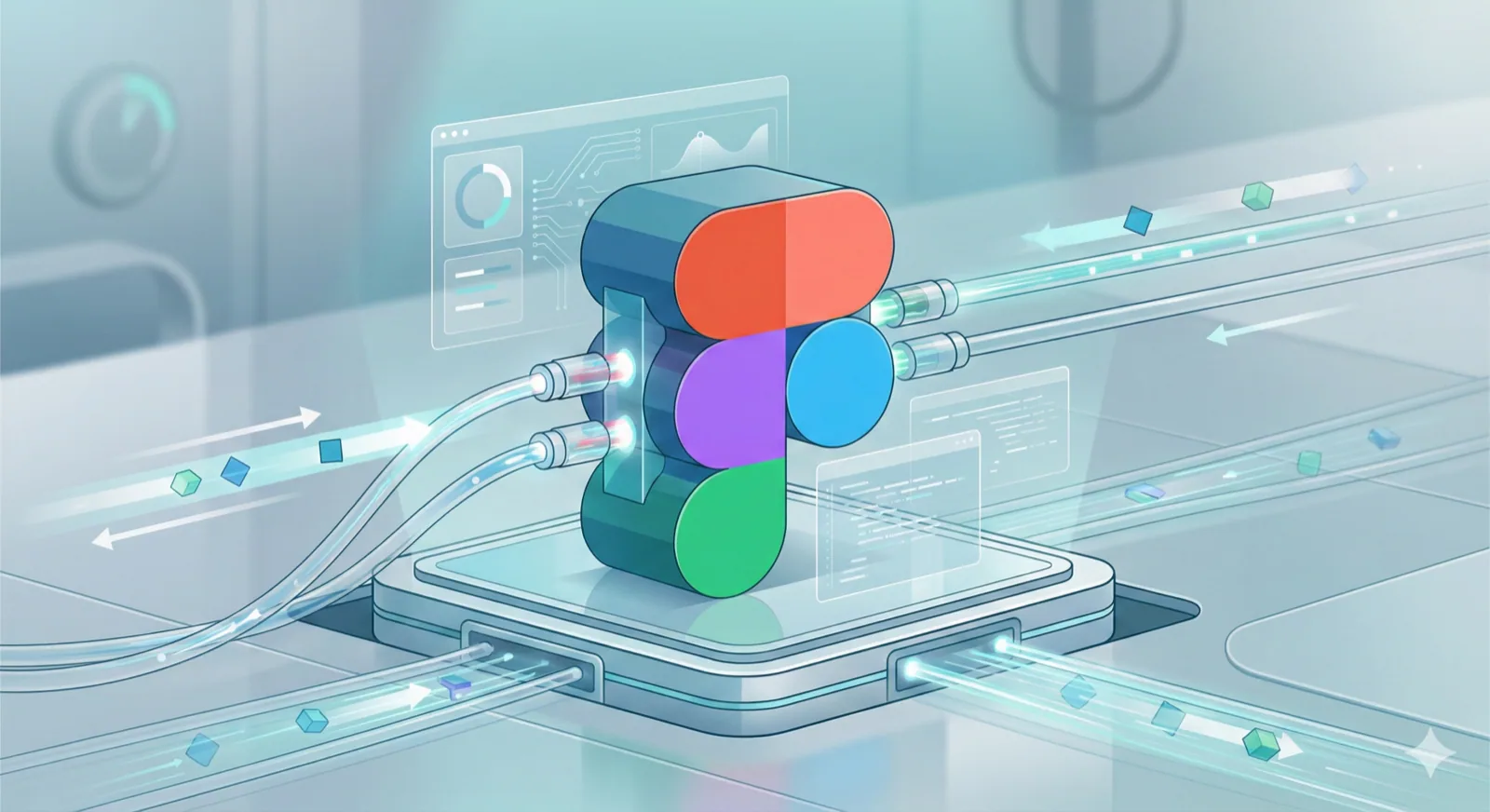
**These help slow things down in the right places. Instead of jumping straight to output, they force the system to reason step-by-step, which dramatically improves results for anything more complex than a toy example. - **Design system and design tooling MCPs (Figma MCP, Figma Console MCP)
**These bridge the gap between design and code. They let us pull structured information from design files, reason about components and tokens, and keep conversations grounded in real artifacts instead of screenshots and vibes. - **Context and knowledge MCPs (Context7 and similar)
**These provide long-lived memory and shared context across tools. They’re especially useful when building systems that evolve over time, where decisions made today need to be understood weeks or months later. - **Internal and custom tools we’ve built
**We also build our own small tools to remove friction in our workflows. These are free and open source by design. The goal isn’t to gate access, but to reduce repeated effort and make the work easier for everyone.
None of these tools are secret, and none of them are magic. They work because they reduce friction, not because they replace thinking.
We actively share and open-source the tools we build because we believe leverage beats lock-in. Our goal isn’t to sell access to magic. It’s to help people understand how the magic works.
This isn’t a warning. It’s an invitation.
This moment in software is powerful precisely because it’s democratized.
You don’t need to subscribe to everything you see. You don’t need to chase every shiny demo. You don’t need to be intimidated by language that makes simple things sound complex.
Try building the thing. Break it. Learn something. Decide from experience whether paying for convenience makes sense.
That’s not anti-tool. It’s pro-agency.
And that’s the side of vibe coding worth leaning into.